WeiboVault Help
Local archives: view, move, delete, and import Weibo archives
WeiboVault creates a separate local archive directory for each Weibo account. Data is deduplicated automatically and added to the same archive during later backup runs.
This guide explains the archive structure and how to move, delete, and import archives.
Supported operations
- 1Change the archive location
- 2Import a moved archive and continue browsing it
- 3Delete an archive you no longer need
View archive locations
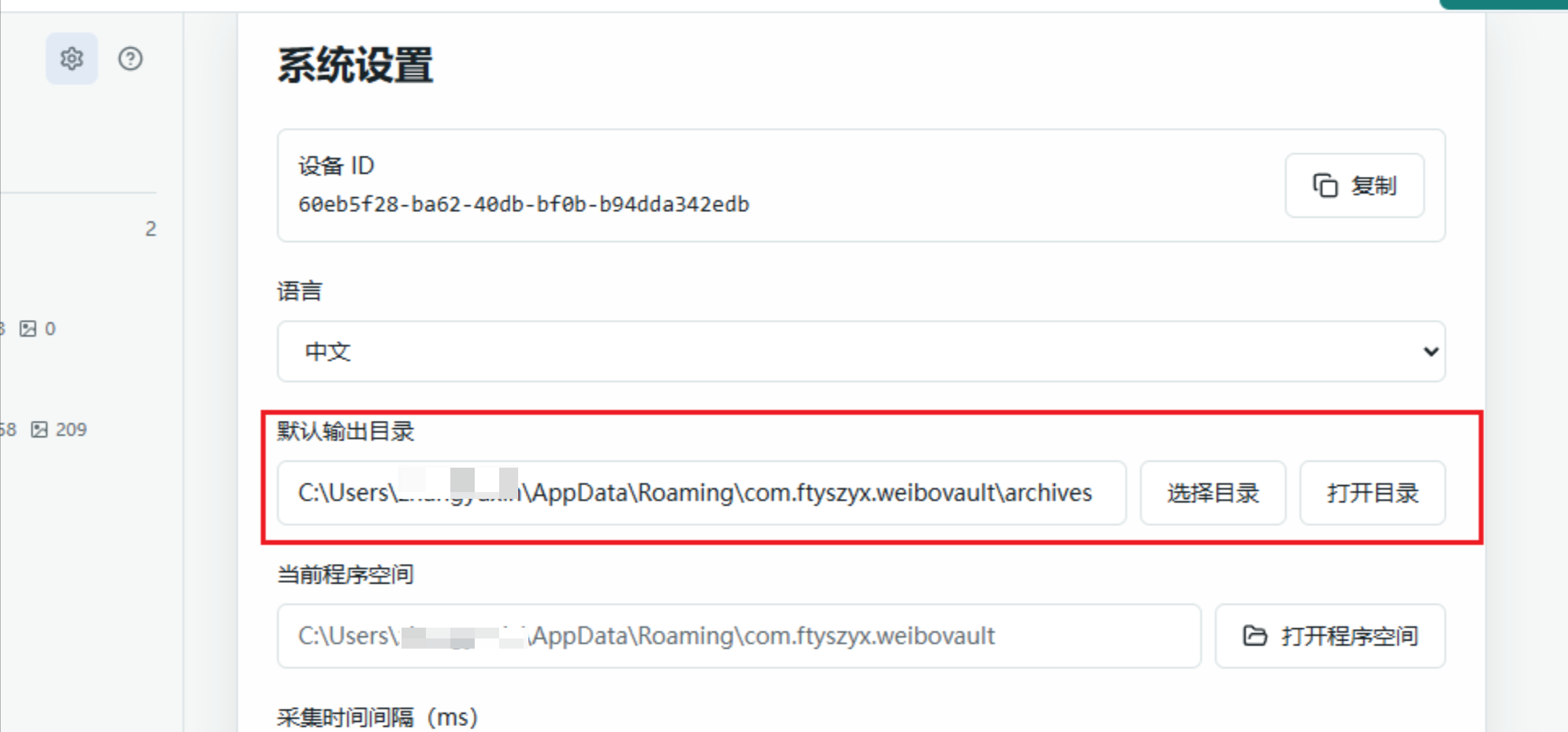
Open Settings to see every archive directory currently used by the app.
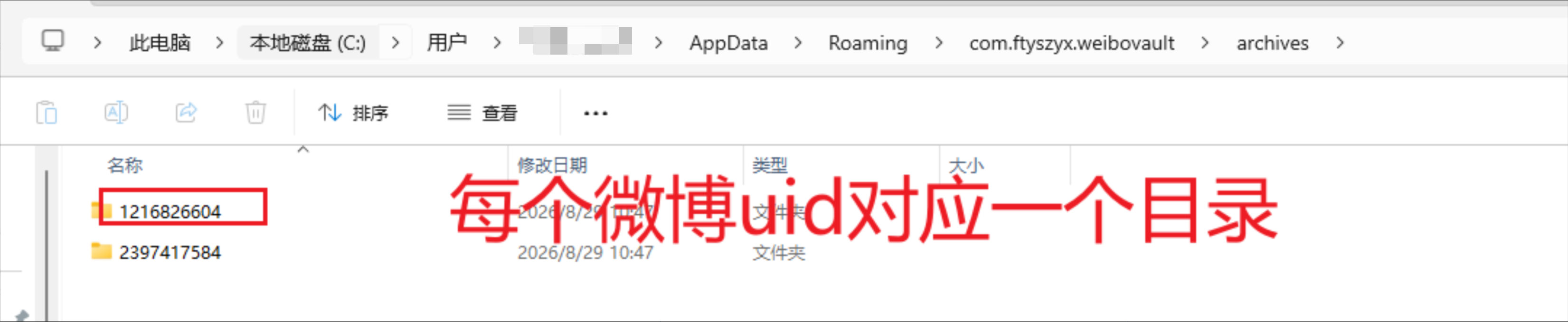
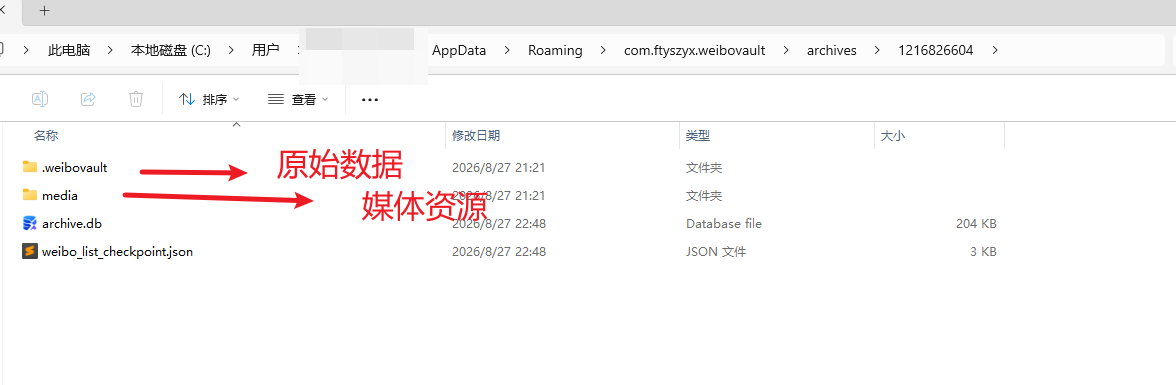
Archive directory structure
Each Weibo account has its own directory, making archives easier to move, back up, and manage separately.
Change the archive location
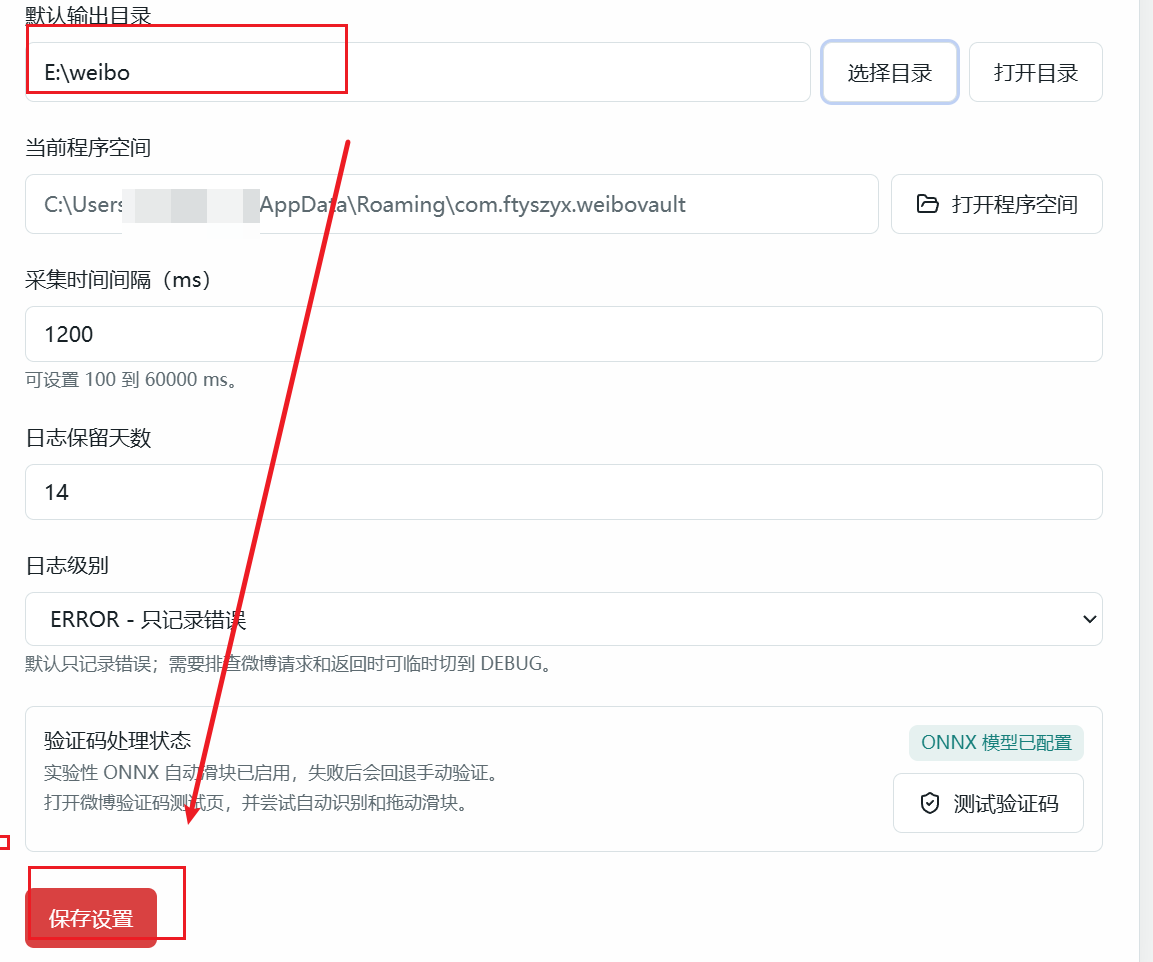
The default archive is on the C drive. If space is limited, select another location in Settings.
Remember to save after choosing the new directory.

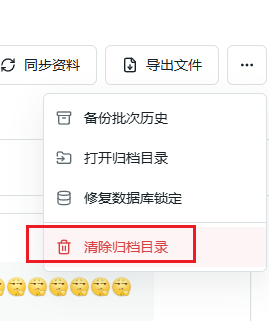
View or delete an account archive
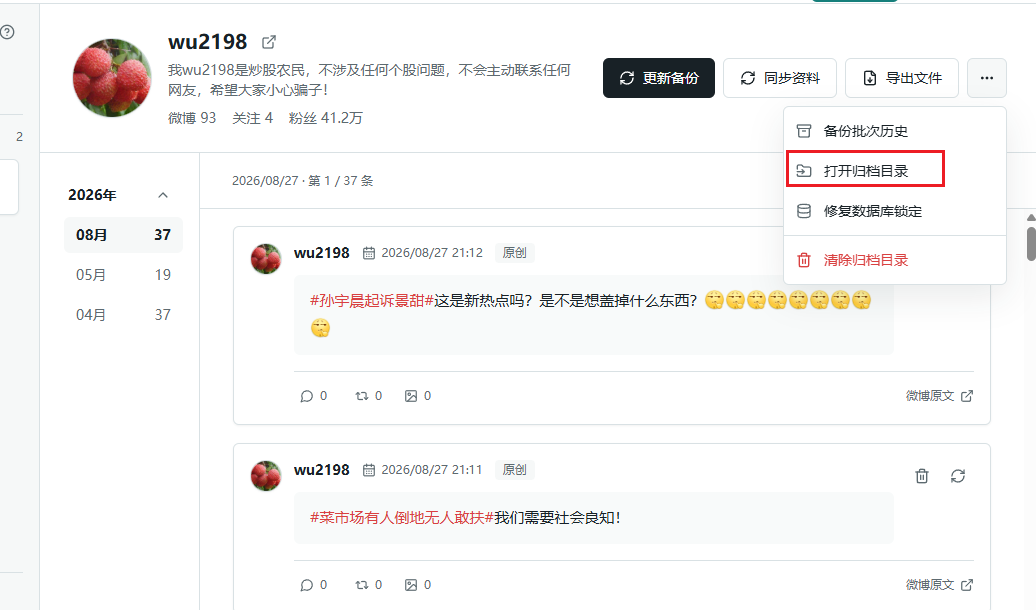
From the preview page, open the archive directory for the current Weibo account and inspect its contents.
Deleting an archive cannot be undone. Confirm that the directory contains nothing you need, or copy it to another location first.
Import an existing archive
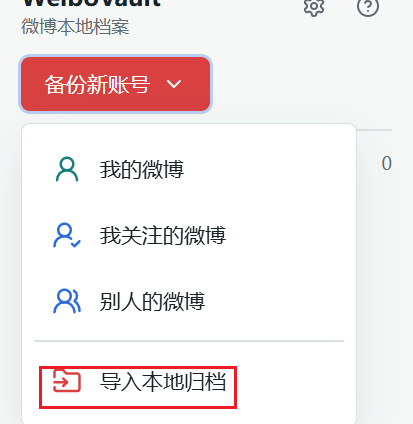
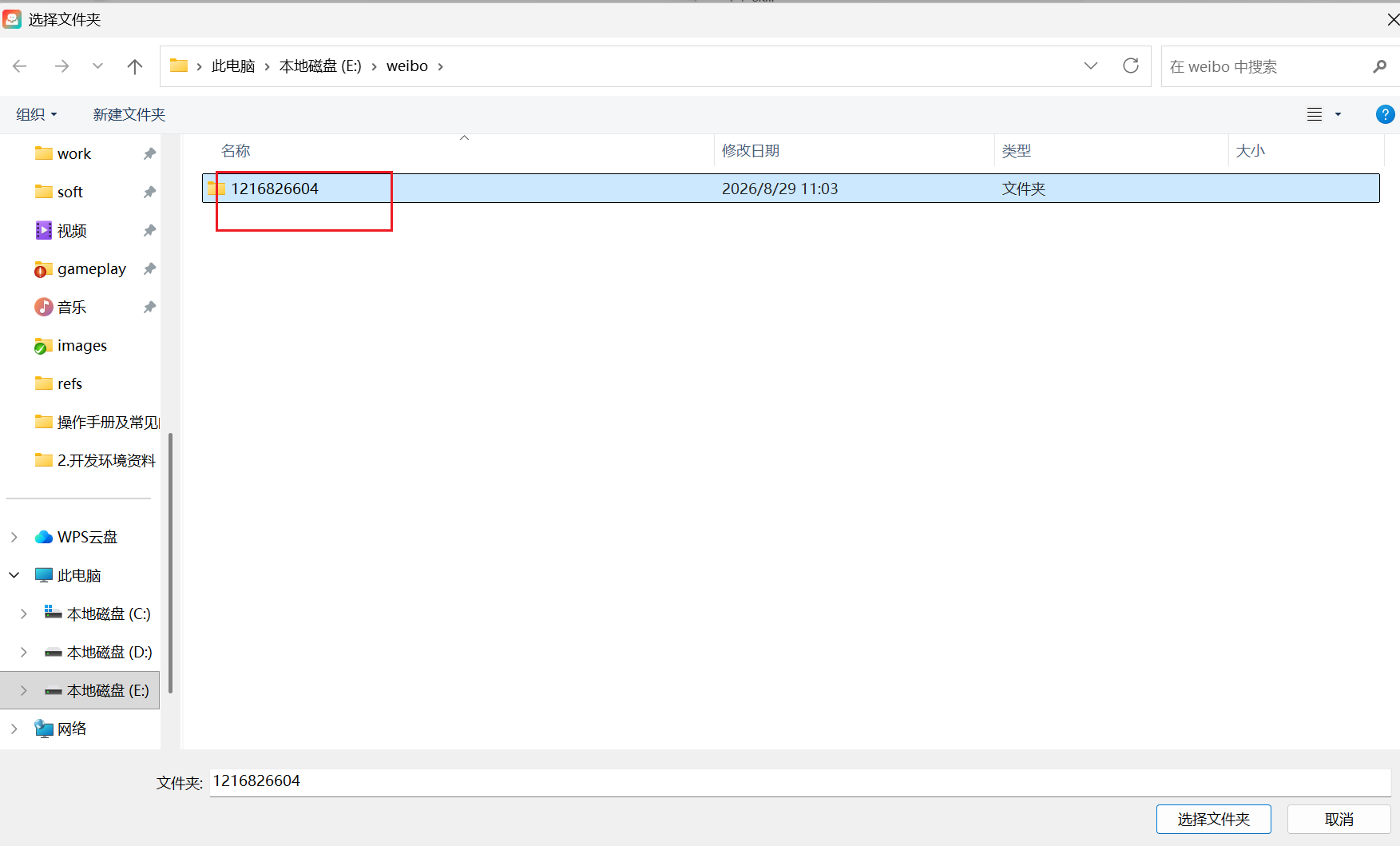
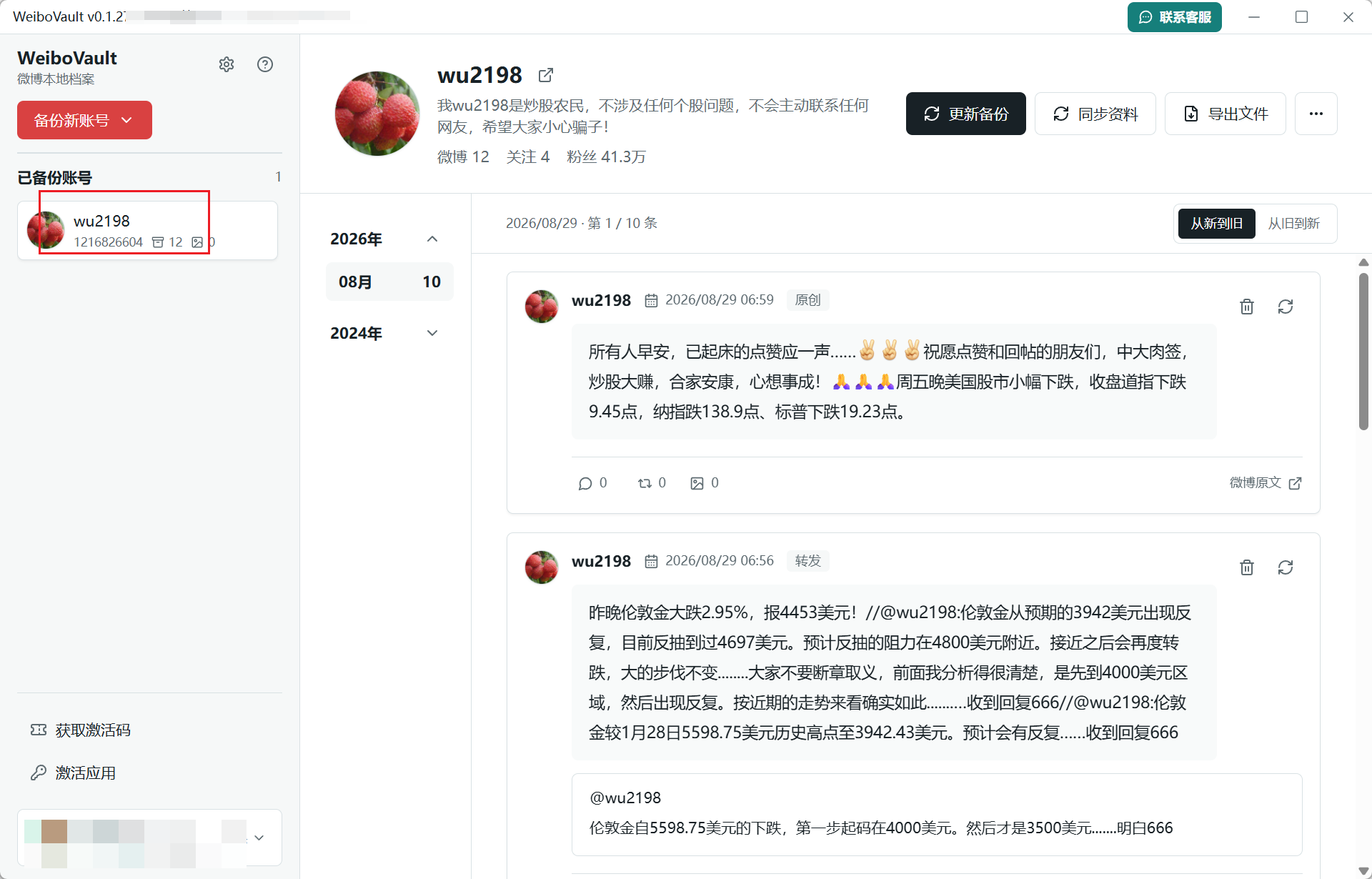
If an archive directory was moved, use Import Local Archive to reconnect it. Select the archive directory, then continue browsing its content after the import succeeds.